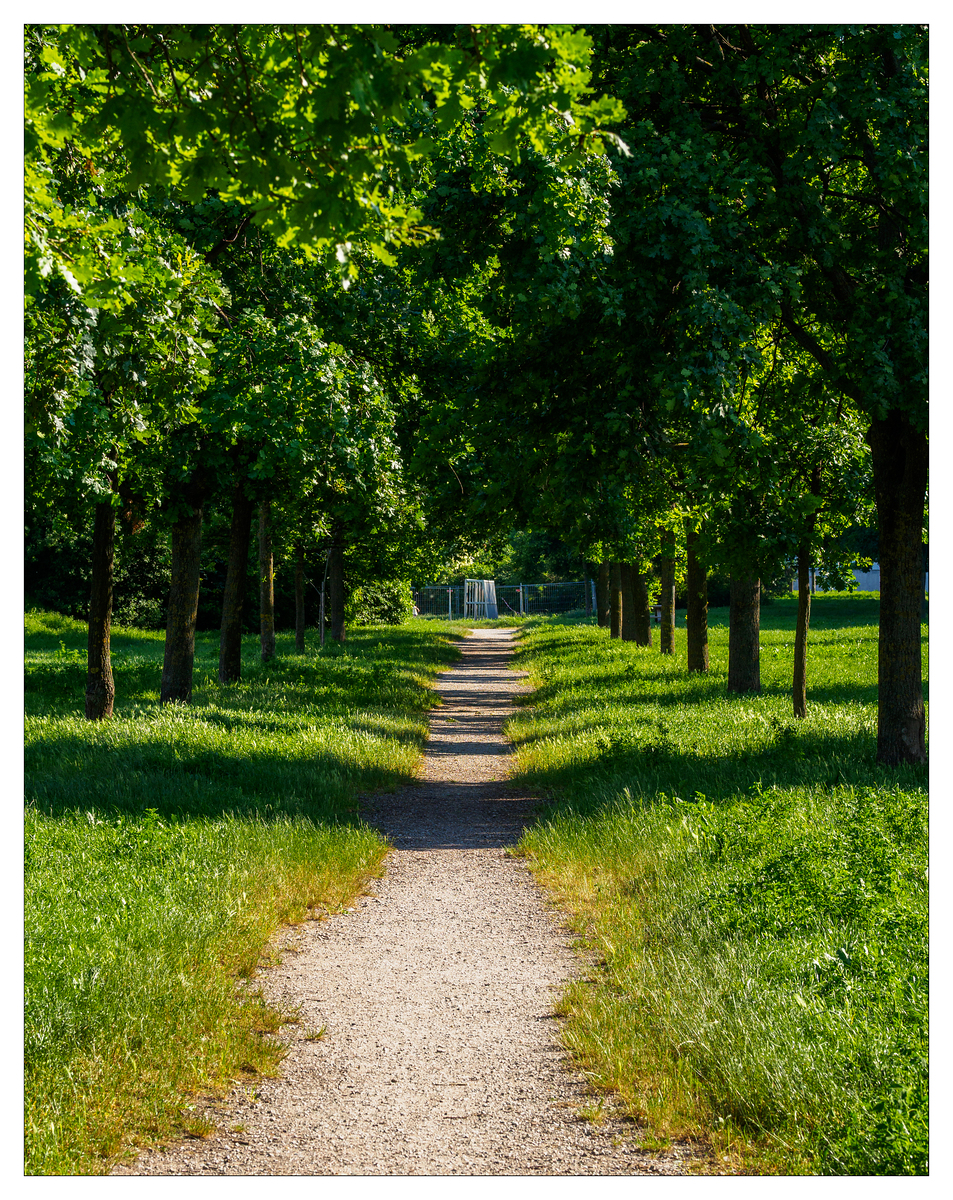
Some people hate borders around images, some people love them, some people don’t care. 15 years ago, in late January 2011, I decided to try a white border around my images. I ended up using the Lightroom plugin LR/Mogrify 2 for that. It always worked perfectly.
Sometime last December it stopped working. It wrote a JPEG, I could open the file everywhere but in Lightroom. I was annoyed. I tried to reinstall the plugin, tried to download a newer version, but there was none.
I tried to find a replacement, but couldn’t find one. There are all kinds of online services out there, that let you pay monthly for a border around your photos, and they are a pain to use as well.
Of course, you can do that in Photoshop. Create a white layer below your image and extend the image size. I created an action for doing that twice. First I create a thin black border, then a 100 px white border. Just as LR/Mogrify 2 had been set to do. I bound the action to a function key, and then it was as easy as Edit in Photoshop, Cmd+Shift+F1 and File / Quick Export to JPEG. Problem solved.
Or so I thought. Photoshop decided to strip the caption set by Lightroom. I use that for Creative Commons licensing. Additionally, it stripped the EXIF data.
It took enough of my time to make it a major annoyance, but I decided to stop resisting. It nagged me, but it was not worth trying to write a plugin myself.
A few days ago, after an update to Lightroom, I tried LR/Mogrify 2 again - and it worked!
The fallout of that episode is, that a few of the next images will have no EXIF data.